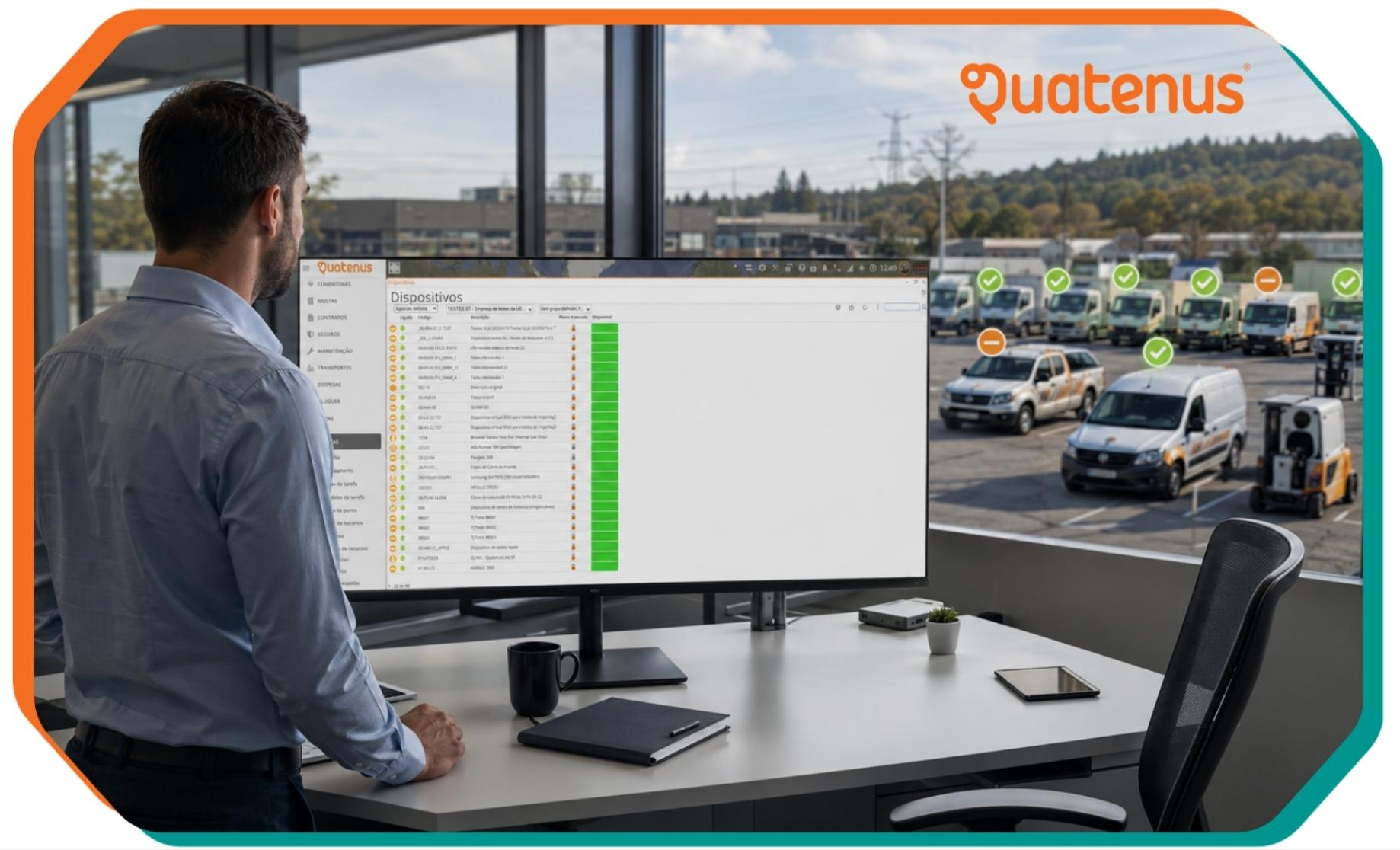
Fleet management becomes more demanding when teams are spread across the field and several tasks need to be assigned within the same period. In these moments, it is not enough to know which human resource is available. It is also necessary to understand whether the vehicle linked to that resource can actually be used for that task.
When this information is not clear, a manager may assign the same vehicle to more than one task, creating operational conflicts, delays and the need for last minute reorganisation. The new vehicle availability feature in Team Edition is designed to reduce that risk and give more context to the decision before the assignment is completed.
In task assignment, the focus is often placed on the human resource: who will execute the task, where they should be and what activity needs to be completed. However, for many field operations, the vehicle is an essential part of the task.
If a team needs to travel to a customer, a site, a delivery point or a technical intervention, vehicle availability directly affects execution. The task may be well planned on paper, but if the vehicle is already linked to another activity, the operation loses clarity.
This type of conflict does not always happen because of poor organisation. It often happens because the necessary information is not visible at the right moment. The manager needs to decide quickly and, without visibility over the vehicle, may proceed with an assignment that later needs to be corrected.
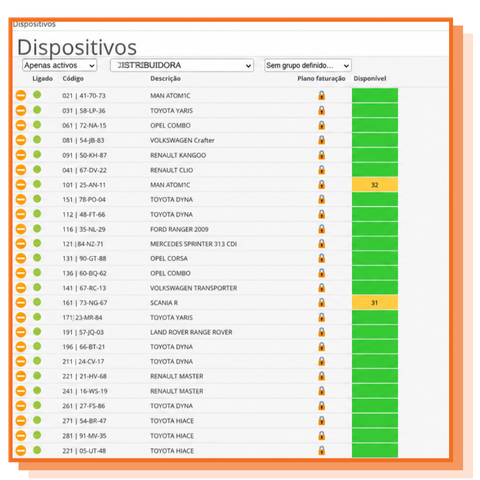
With the new update, Team Edition now provides vehicle availability information during the task assignment process. Previously, when assigning a resource to a task, it was already possible to associate a vehicle with that resource. Now, the platform adds a decisive piece of information: it shows not only whether the vehicle is available, but also which task a vehicle may already be assigned to.
This improvement helps the manager validate the decision before completing it. Instead of discovering the conflict after the assignment, the information appears at the exact moment when the task is being organised.
The objective is simple: to prevent a vehicle from being assigned to more than one task and make fleet management more consistent with the operational reality of field teams.
During the assignment process, the manager gains a more complete view of the relationship between task, resource and vehicle. When selecting or linking a vehicle, Team Edition displays its availability and identifies whether that vehicle is already connected to another task.
This logic reduces the need for parallel checks, internal messages or manual confirmations. The decision can be made with operational information visible inside the workflow itself.
In practical terms, the manager can understand whether the assignment can move forward or whether another vehicle should be selected to avoid overlap. This validation becomes especially useful when there are several field teams, multiple tasks on the same day or vehicles shared between different resources.
Imagine an operation where two tasks need to be assigned within the same period. A resource is available for one of the tasks, but the linked vehicle already appears connected to another activity. Without that information, the manager could complete the assignment and only later realise that the vehicle should not have been available for the new task.
With availability visible, the conflict is identified before the final decision. This helps avoid reorganisation, delays and additional communication between the manager and the teams.
For field teams, this detail can make a difference. A task assigned with the correct vehicle reduces uncertainty around travel, avoids unexpected changes and gives more stability to planning. For the manager, it means working with a more concrete view of the resources that are truly available to complete each task.
The new vehicle availability feature in Team Edition reinforces an essential idea in fleet management: good decisions depend on clear information at the right moment.
By showing whether a vehicle is available and which task it may already be linked to, the platform helps the manager reduce assignment conflicts, organise field teams with greater confidence and minimise decisions based on assumptions.
The benefit is not only in avoiding duplication. It is in creating a more consistent process, where task assignment considers all the elements required for execution: the team, the task and the vehicle.
Not every operational improvement needs to add complexity. In this case, the value lies in making visible a piece of information the manager already needed to confirm: whether the vehicle can be assigned to the task.
By integrating this information into the assignment workflow, Team Edition helps turn a critical validation into a natural step in daily management.
Use Team Edition to assign tasks with greater visibility over resources, vehicles and field teams.
And if your company does not yet use Team Edition to manage teams, assign tasks and monitor the entire execution process, talk to Quatenus.
Ask for DemoFAQ
Team Edition now shows vehicle availability during task assignment and indicates which task a vehicle may already be linked to. This helps the manager avoid assigning the same vehicle to more than one task.
Because the vehicle can be as important as the human resource when executing the task. If it is already linked to another activity, the new assignment may create conflicts, delays or the need for reorganisation.
No. The feature supports the decision by presenting relevant information about vehicle availability. The manager still decides which resource and vehicle should be linked to each task.
It helps reduce uncertainty and unexpected changes during task execution. When the correct vehicle is linked from the start, teams receive a clearer assignment that is more consistent with planning.
Yes. In operations where several teams or resources may use the same vehicles, visibility over availability and linked tasks helps avoid overlap and supports daily organisation.
Related